Sep 12, 2012

CHOOSING THE RIGHT TOOLS TO CREATE E-LEARNING - Free Webinar


This 30 minute online Masterclass is specifically designed for in-house trainers / subject matter experts from all industries who want to design and build their own rapid e-learning programmes in-house.

There are a variety of e-learning authoring tools available on the market – each with their own strengths and weaknesses.
Through this webinar session we will provide an independent review of some of the leading e-learning authoring tools ranging from PowerPoint plug-ins to online tools and stand-alone tools (Storyline, Captivate, Snap!, Articulate, Smartbuilder, Composica, Dreamweaver and Flash).

We will also give you tips on what you need to think about from a learning and technology perspective when selecting the best e-learning authoring tool for your organisation.

Your presenter for this session will be Lee Reilly from Aurion’s award-winning E-learning Development Team.


Good time

Sep 9, 2012

Planning and Implementing e-Learning in your School -Handbook


     The NCTE’s e-Learning Handbook outlines the process of planning for e-Learning in your school and has been developed in consultation with the school development planning initiatives at primary and post primary level (PPDS & SDPI/SLSS). It provides a step by step guide to the development of the school’s e-Learning Plan and outlines the key roles and responsibilities of all involved in the development of the plan. The e-Learning Handbook is broken down into the following sections:

Introduction

Getting Started

Step 1: Review & Prioritise

Step 2: Develop plan

Step 3: Implement and monitor plan

Step 4: Evaluate plan

NCTE Advice & Support


Good time .

Creating e-Learning that Makes a Difference - free kit


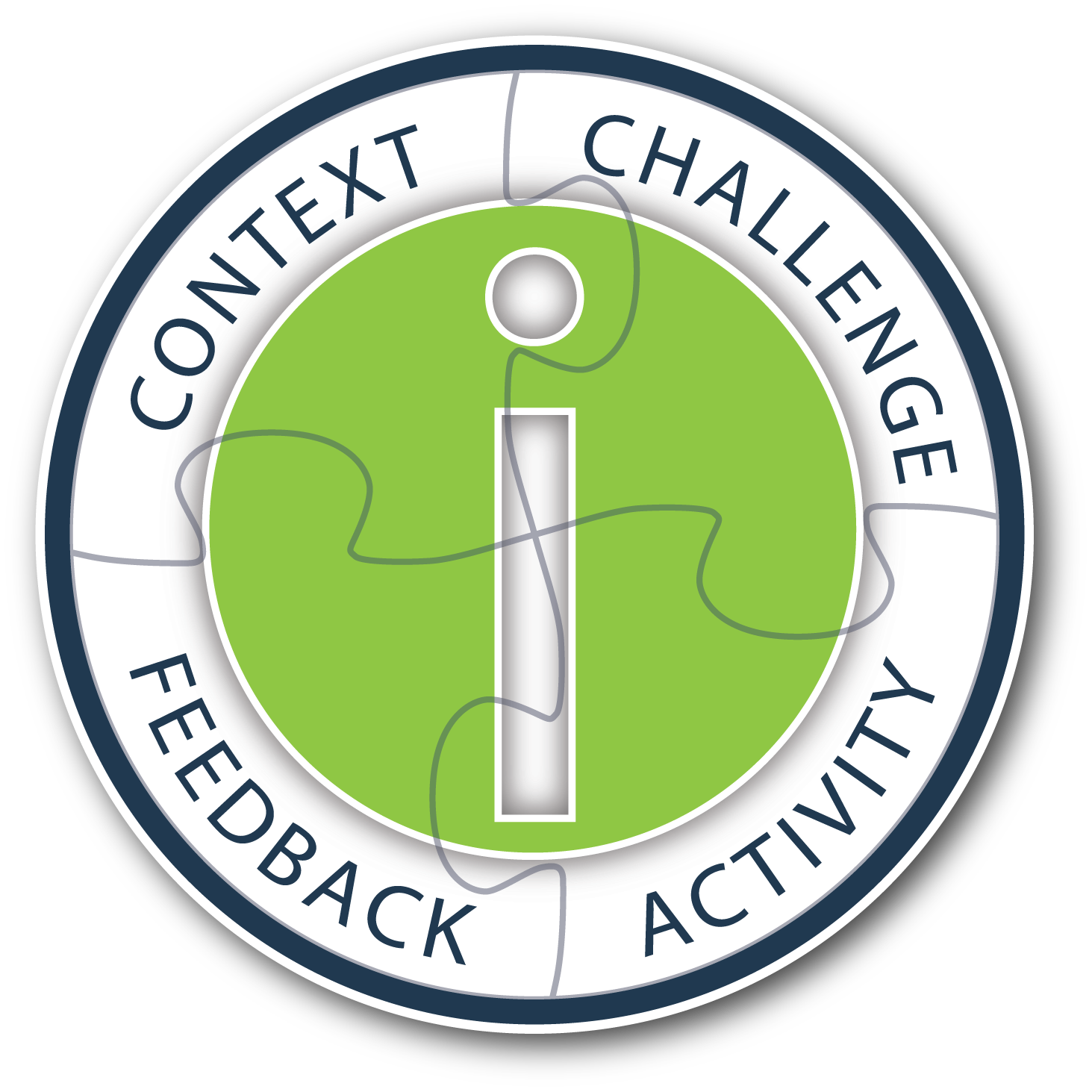
In this kit, Ethan Edwards covers the concept of instructional interactivity, and demonstrates how it can transform the learning experience for learners working independently through an e-learning program. Get specific real-world examples that give meaning to the four essential components of instructional interactivity, CCAF, which include: Context, Challenge, Activity, and Feedback.

In this kit, you will learn:

the value of true instructional interactivity for creating engaging, effective e-learning
the four essential design components of instructional interactivity which include: Context, Challenge, Activity, Feedback
to design engaging contexts, motivating challenges, appropriate activities, and instructional feedback into interactive design
the critical elements of any authoring tool used to create instructional interactivity
This kit includes:

White paper
60-minute webinar
Presentation slides from webinar
Q&A summary from webinar
Examples site showing CCAF in action

http://info.alleninteractions.com/ccaf-e-book/

good time

Learning about e-learning - Free guide


Getting started in e-learning may appear daunting, but it need not be. Anyone is capable of creating world class e-learning material, as long as they are aware of a few basic concepts, ideas, and industry standards.
At Kookaburra Studios, our developers have had over twenty years experience in the e-learning industry. We've used this knowledge to creating Learning About e-learning - free!
This online book provides heaps of information, dozens of examples, and hundreds of links for more information.

A free 75 page guide to e-learning, including heaps of examples and interactivities, dozens of illustrations, and explanations and techniques for all facets of e-learning.

The download link :

Sep 5, 2012

The Wonders of Adobe Captivate 6


Session Description:
Captivate 6 was released this summer and what a release it is! Joe Ganci, who has used Captivate for many years, will take you through a fun and revealing look at all the new and great features of Captivate 6. Included among the new features are:

1. Output to HTML and to Mobile Devices
2. Actors / Characters
3. Smart Shapes
4. Smart Learning Interactions
5. Themes
6. High Definition Screencasts
7. Pre-tests and Branch-Aware Branching
8. Partial and Negative Scoring
9. Remediation
10. Round-tripping with PowerPoint 2010
11. Optimized User Interface and Object Grouping
12. Audio Responses
13. Reflections Effect
14. Text Improvements

Speaker:
Joe Ganci, President, Dazzle Technologies Corp.

Joseph Ganci is President of Dazzle Technologies Corp., a custom training and learning company located in Ashburn, VA, right outside Washington. D.C.
Since 1983 he has been involved in every aspect of multimedia and learning development. Joe holds a degree in Computer Science, and is a published author, having written several books and articles about e-Learning.
Joe is widely considered a guru for his expertise in e-Learning development, and has taught classes and seminars at leading universities, in many government facilities, commercial firms, and educational institutions, and has spoken at many industry conferences. He is on a mission to improve to better the quality of e-Learning with practical approaches that work.

Date: Thursday, September 6, 2012
Time: 10:00AM Pacific /1:00PM Eastern(60 Minute Session)

http://www.trainingmagnetwork.com/welcome/joeganci_sept6

Good time.

The "How To" Mobile Learning Developer's Conference


mLearning DevCon's focus is on mobile learning development and strategy. Learn mobile learning technologies, how to overcome barriers in development and tools that can help accomplish what you need. mLearning DevCon is the "How To" instructional design and development mobile learning conference. With longer 90 minute regular sessions, and 3 hour hands-on BYOL sessions, learn to design and build mobile learning.

Get the practical knowledge on:

Mobile Learning Technology & Architecture
Mobile Development Tools - jQuery, Sencha, PhoneGap etc.
Creating Mobile Apps
Mobile Distribution
Creating iBooks
Flash Learning Apps for Mobile
HTML5 & Canvas
Offline Mobile Delivery
Open Source Mobile Tools
SCORM & Tin Can
Social in Mobile Learning
Project Managment
Mobile Learner Engagement
Mobile Instructional Design

http://mlearningdevcon.com/

Practice files to help you learn Articulate Storyline.


From the http://elearninguncovered.com site you can use this free template for Storyline

Use these practice files to help you learn Storyline. Included in the .zip file are storyboards and media assets for creating a 20-minute course on time management.


What’s included in the files?

Storyboards for a 20-minute course on time management
All the assets to create the course (audio, images, etc.)
An example of a finished Storyline file (.story format)
A link to the finished course in html format
Instructions that map the development tasks for the course with the chapters in the book so you can practice as you go

The course lets you practice the basics such as adding scenes, slides, text, and graphics, all the way up to states, layers, conditions, and variables.


Download practice files
http://elearninguncovered.com/storyline-practice-files/

View finished course
http://elearninguncovered.com/resources/storyline/RQM-Prioritizing_7-14-12/story.html

Note to Storyline trainers: If you are teaching a class on Storyline, feel free to use these files in your class.

You can also download a free copy of Chapter 10: Triggers and Actions.